Product Image Studio
Transform product photos into cleaner, marketplace-ready assets without waiting on a design handoff.
 BeforeAfter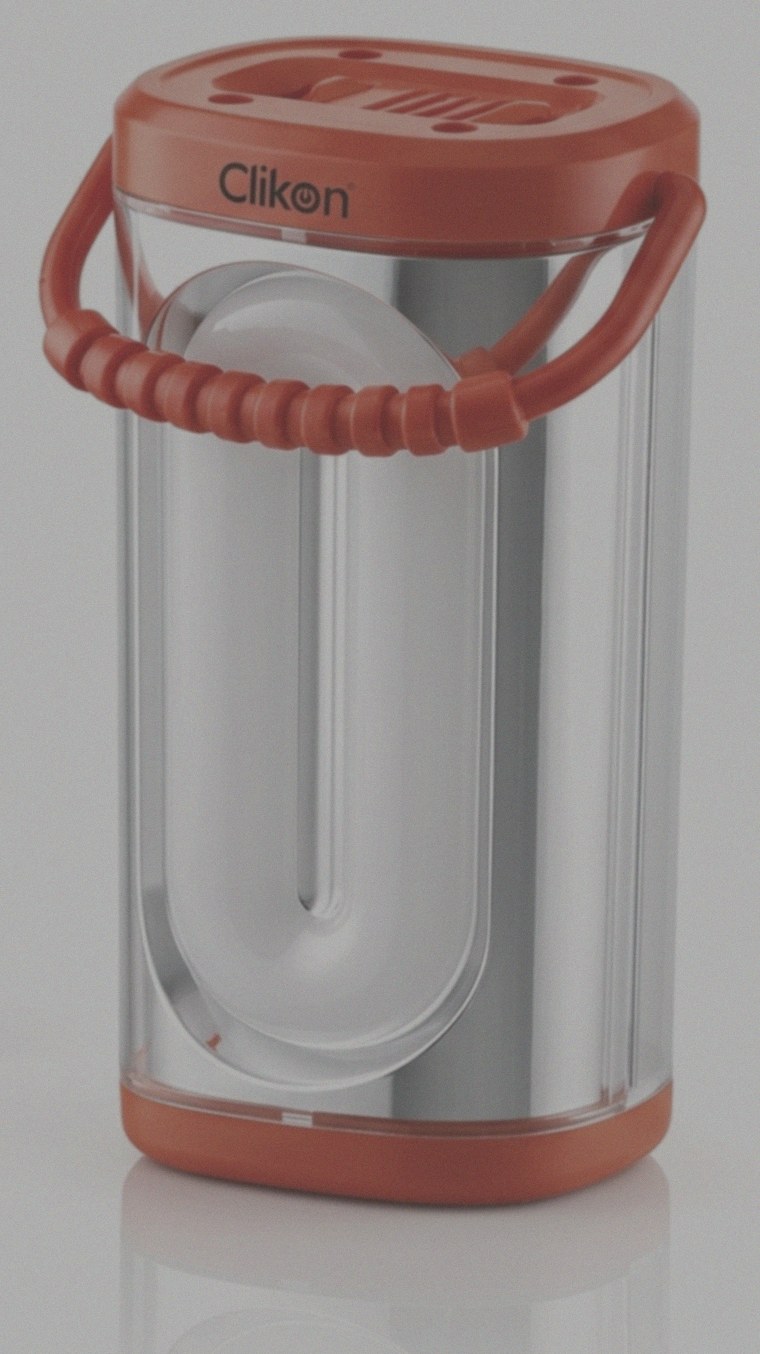
Real example — drag to compare
Why use Product Image Studio?
Practical advantages built around real creation, selling, and operations workflows.
Marketplace-ready outputs
Prepare product visuals for storefronts, listings, ads, and catalogs with a focused image workflow.
Faster creative operations
Move from raw product photos to usable assets in one guided interface.
Reusable run history
Signed-in users can review recent successful outputs and download assets again when needed.
Credit-transparent runs
The page shows your available credits before you process product imagery.
Responsive studio UI
Upload and run image workflows from a layout designed for modern teams and solo operators.
Three simple steps
Launch the workflow from this page and keep moving without extra setup.
Upload your product image
Start with a product photo or visual asset that needs a cleaner ecommerce presentation.
Choose studio settings
Select the available options that match your marketplace, campaign, or catalog need.
Process and export
Run Product Image Studio, save the successful output, and use the exported file in your selling workflow.
Where this tool fits
Use Azan AI for the everyday scenarios that slow down launches, campaigns, and operations.
Online marketplace listings
Prepare cleaner product photos for marketplaces where image quality affects buyer trust.
DTC storefront updates
Refresh collection pages and product detail pages with more consistent visuals.
Ad creative variants
Create usable product assets for testing campaigns across paid social and search.
Catalog operations
Standardize product imagery before sharing assets with sales teams, partners, or distributors.
Founder-led launches
Get launch-ready visuals without slowing down for a full design queue.
Product Image Studio questions
Answers to common questions before you run the tool.
What is Product Image Studio for?
It helps turn product photos into cleaner, more usable ecommerce assets for storefronts, listings, campaigns, and catalogs.
Does this page change my uploaded image automatically?
No. Image processing only starts when you use the interactive tool and run the workflow.
Will my recent product image outputs appear on the page?
If you are signed in, recent successful runs can appear in the tool history area for easier access.
How are credits handled?
The existing tool displays your credit balance and uses credits when a product image workflow successfully runs.
Is this useful for marketplace sellers?
Yes. It is designed for operators who need clearer, more consistent product imagery for listings and ecommerce pages.
Can I use it for campaign assets?
Yes. Product Image Studio can support product visuals for ads, landing pages, launch announcements, and promotional creative.
Keep building with Azan AI
Explore adjacent workflows for content, product visuals, and utility generation.
AI Product Enhancer
Upgrade a product photo with cleaner lighting, sharper detail, balanced contrast, and a polished neutral studio feel while preserving the real product.
Open toolProduct Title Generator
Turn product details and keywords into optimized title options for Amazon, Shopify, and Etsy so every listing starts with a stronger first impression.
Open toolSEO Optimizer
Audit product listings and turn keywords, current copy, and buyer intent into optimized titles, metadata, bullets, tags, and practical SEO recommendations.
Open toolMarketplace Description Rewriter
Turn rough or stale product descriptions into clearer marketplace-ready copy with buyer-focused structure, bullets, keywords, and improvement notes.
Open tool